

MIS Help Desk
IT SUPPORT
Contact:
Walk-in Locations:
MIS – Bldg A – Rm 232
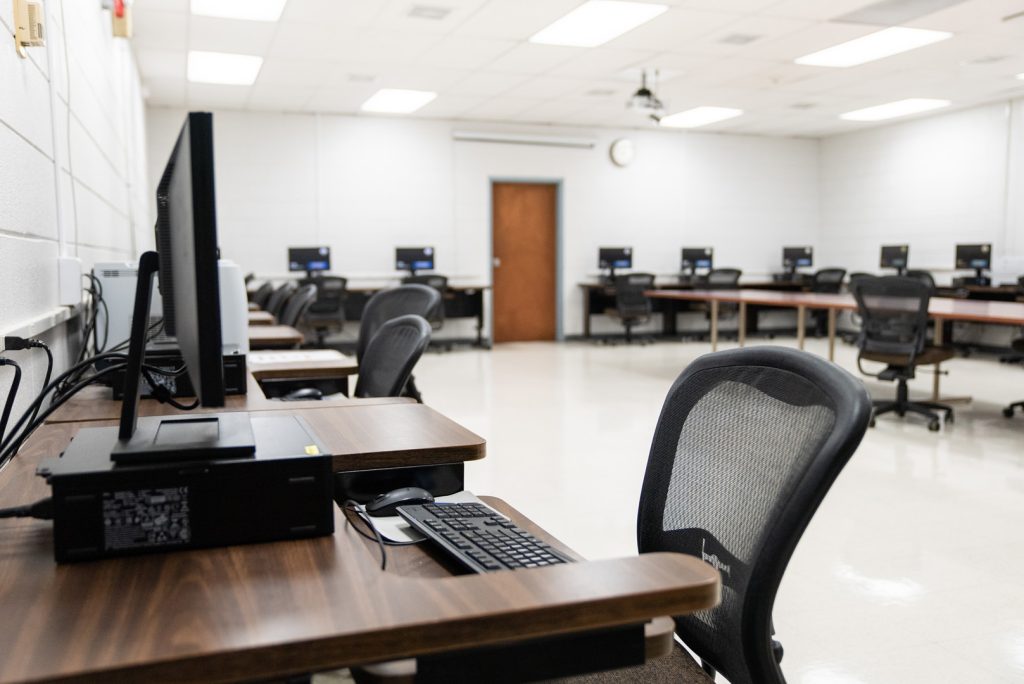
Computer Lab – Bldg A – Room 230A
Hours:
Mon-Thu: 8:00am – 6:00pm
Fri: 8:00am – 1:00pm
NEW STUDENTS:
- Register for classes
- Allow 24-48 hours after registering for classes for your accounts to be created.
- Establish your WTC Student Email, D2L Brightspace, WTC Self Service & Ellucian accounts as needed
WTC Student Email (Office 365)
New students logging into your email for the first time:
Username:firstname.lastname@student.wiltech.edu
Example: jane.doe@student.wiltech.edu
You must email mishelp@wiltech.edu for a password.
For Email Support: mishelp@wiltech.edu

D2L Brightspace
Use the same WTC credentials (user name and password) as your email to log into D2L Brightspace.
Note: After registration your classes may not immediately be available in D2L Brightspace until the system updates.
Check Your Browser for Compatibility
Getting Started D2L Quick Guide for Students
For Support: D2Lhelp@wiltech.edu

WTC Self Service
User ID:firstname.lastname (all lowercase)
Example: jane.doe
Use the same password as you use for your Student Email and D2L Brightspace.
How to Register in Self Service
For Self Service Support: mishelp@wiltech.edu

Ellucian Experience Mobile App
Use the link here to get the Ellucian Experience Mobile App.
Once the login page comes up in the app, sign in with your WTC email credentials. Once you sign in you will find all of your necessary pages for student navigation.
For Support: mishelp@wiltech.edu