


Support – BodyViz
How to Register and Install BodyViz software to your computer
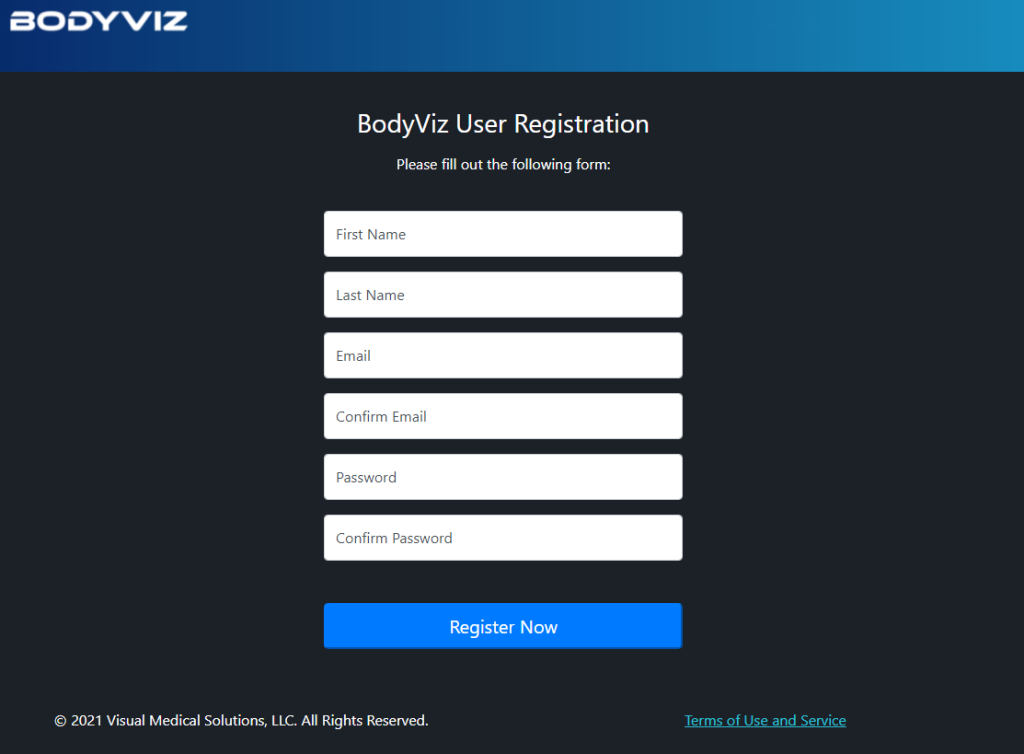
- Create Your Account at BodyVizStore
- When asked for purchasing information, Enter the Coupon Code provided by your instructor and click “Apply” (This will provide the software at no cost to you)
- Follow the onscreen instuctions to download the BodyViz software.
- Select either Windows or Mac version (BodyViz does not currently support Chromebooks)
- Follow the instructions sent to you via email.
- Visit the BodyVizPortal to find support resources and interactive courses.
Note: Sometimes the initial automatic addition of your course module(s) in the portal is slow or doesn’t immediately reflect. Logging out and back in usually will fix this issue and you will have access to all the courses you are supposed to.
YouTube Tutorials
BodyViz App Resources
Within the BodyViz App, there are help guides available under the “Help” menu at the top of the application. There is a “User Manual”, “Quick Start Guide”, and “Game Controller Help” (for those using a XBox Controller).
Resetting Your Password
- Open the BodyViz software on your computer after installation. This will launch the User Login Screen
- Select “Forgot Password”. Enter your registered email address when ordering.
Still Need Assistance?
This software is managed by the vendor – For additional support reach out to: support@bodyviz.com